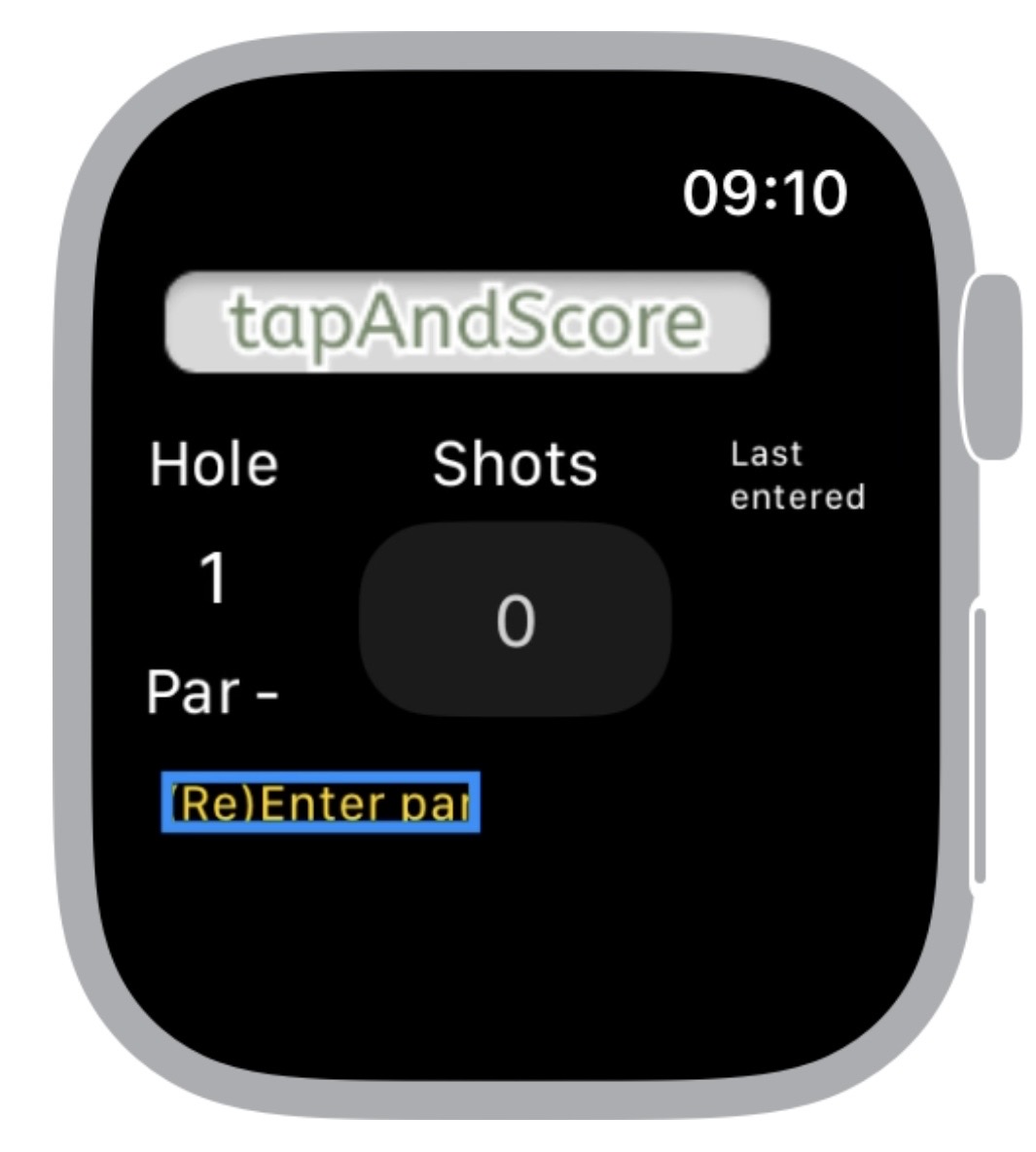
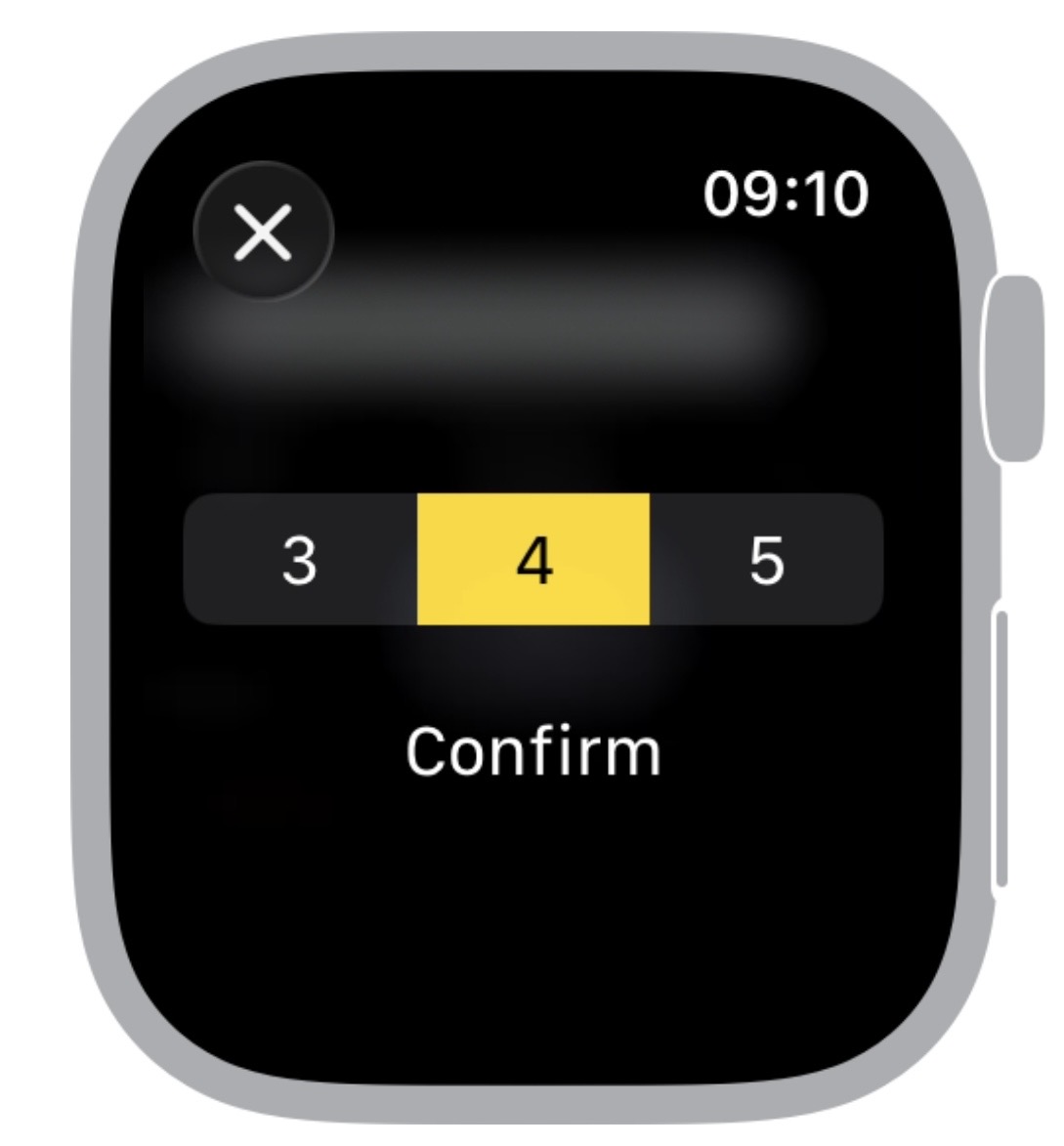
First, you are asked to enter the par for the hole.
Tap [(Re)Enter par]. You can correct it by tapping it again.
You can choose the par between 3, 4 and 5 just by tapping the number.
Then, you just tap the box for each stroke/pat.
Tap [Next hole] to go to the next hole.
It shows how you are doing so far at the bottom, red means you are over par, white means on par and green means under par.
Your email address will not be published. Required fields are marked *
Comment *
Name *
Email *
Website
Save my name, email, and website in this browser for the next time I comment.
Δ